fhd@battlesync.site
Introduction to Linux Distro for Gaming
For years, gaming on Linux was considered something only hardcore enthusiasts would attempt. Many believed that Linux was just for programmers, system administrators, or privacy fanatics, while Windows was the only “real” gaming platform. But times have changed dramatically. Thanks to advancements in software compatibility, better hardware support, and the influence of projects like Steam Proton and the Steam Deck, Linux is now a very capable gaming operating system.
Linux is no longer a fringe choice for gamers—it’s becoming mainstream. In fact, many users are switching to Linux not only because it’s free but also because it provides stability, security, and performance advantages. With the right distro, you can enjoy both native Linux titles and even most Windows-only games.
Another huge factor driving Linux gaming forward is community innovation. From open-source developers creating compatibility layers like Wine and Lutris, to companies like Valve investing in Linux gaming, the ecosystem is rapidly growing. Now, whether you’re into AAA blockbusters, indie games, or retro emulation, Linux offers something for everyone.
If you’ve been curious about Linux gaming but weren’t sure where to start, this guide will walk you through the best Linux distros for gaming in 2025, along with their strengths, weaknesses, and the tools that make gaming on Linux a blast.
What to Look for in a Gaming Linux Distro
Choosing the best Linux distro for gaming isn’t as simple as downloading the first one you see. Different distros come with unique advantages, and the best choice depends on your hardware, gaming style, and level of Linux experience.
Here are the key factors to consider before choosing your distro:
Hardware Compatibility
Your hardware plays a major role in performance. Some distros, like Pop!_OS, come with pre-installed NVIDIA or AMD drivers, making them plug-and-play for most GPUs. Others might require manual driver installation, which could be tricky for beginners.
Gaming Software and Driver Support
A great gaming distro should make it easy to install Steam, Lutris, Wine, and Proton. Look for distros that offer rolling updates for graphics drivers and kernels since newer updates often mean better performance and compatibility with the latest games.
User-Friendliness and Community Support
If you’re new to Linux, you’ll want a distro with strong community support and simple installation steps. Distros like Ubuntu and Pop!_OS shine here, offering user-friendly interfaces and massive support forums.
Performance and System Resource Usage
Gaming requires system resources, so the lighter the OS, the more resources are available for your games. Distros like Garuda Linux and Manjaro are optimized for speed and responsiveness, giving gamers an extra edge.
By keeping these factors in mind, you’ll have a much smoother experience when diving into the Linux gaming world.

Best Linux Distros for Gaming in 2025
The Linux gaming ecosystem has grown to the point where several distros are tailored specifically for gamers. Instead of a “one-size-fits-all” approach, let’s look at the top Linux distros for gaming in 2025 and what makes them stand out:
-
Pop!_OS – A gamer-friendly distro with excellent GPU driver support.
-
Ubuntu – The most beginner-friendly Linux option for gamers.
-
Manjaro – A cutting-edge distro with the latest gaming updates.
-
Garuda Linux – Optimized out of the box for performance and gaming.
-
Fedora Games Spin – Best for open-source and casual gamers.
Each of these distros caters to different kinds of gamers, so whether you’re a casual player, a hardcore competitive gamer, or a retro enthusiast, there’s a Linux distro that suits your style.
Pop!_OS for Gaming
When it comes to gaming on Linux, Pop!_OS, developed by System76, has earned a reputation as one of the best choices. This distro is designed with gamers and creators in mind, offering powerful performance right out of the box.
Optimized Drivers and GPU Support
One of Pop!_OS’s strongest features is its seamless GPU driver integration. You can download a version specifically optimized for NVIDIA or AMD GPUs, which means you won’t need to mess around with driver installations. This alone saves beginners a lot of headaches.
Why Gamers Love Pop!_OS
Pop!_OS offers excellent gaming support because of its lightweight design, modern interface, and compatibility with tools like Steam, Lutris, and Proton. It also supports hybrid graphics switching, which is especially useful for laptop gamers who want to switch between integrated and dedicated GPUs to save battery life or boost performance.
Pros and Cons of Using Pop!_OS
Pros:
-
Easy setup for gaming with pre-installed drivers
-
Modern interface and user-friendly design
-
Excellent performance optimizations
Cons:
-
Slightly larger install size compared to minimal distros
-
Updates are not as bleeding-edge as Arch-based distros
Pop!_OS strikes the perfect balance between performance, ease of use, and gaming readiness, making it a favorite among Linux gamers.
Ubuntu for Gaming
Ubuntu is probably the most popular Linux distro overall, and while it wasn’t designed exclusively for gaming, it has become a solid choice thanks to its huge community support and wide software compatibility.
Easy Setup for New Linux Gamers
Installing Ubuntu is one of the easiest ways to get started with Linux. The OS guides you step by step, and once installed, you can quickly add gaming platforms like Steam or Lutris. Because Ubuntu has such a massive user base, any problem you face likely has an existing solution online.
Gaming Performance and Software Availability
Ubuntu supports most GPUs with additional driver installations, and because it’s a long-term support (LTS) distro, you’ll get stable updates for years. However, if you want cutting-edge gaming performance, you might need to install newer kernels or drivers manually.
Pros and Cons of Ubuntu for Gaming
Pros:
-
Beginner-friendly and well-documented
-
Huge software repository
-
Stable and reliable for long-term use
Cons:
-
Not as performance-optimized as gaming-specific distros
-
Some driver updates may lag behind other distros
For gamers who want a stable, reliable, and easy-to-use Linux distro, Ubuntu is an excellent choice. It may not be the flashiest option, but it gets the job done without complications.
Manjaro for Gaming
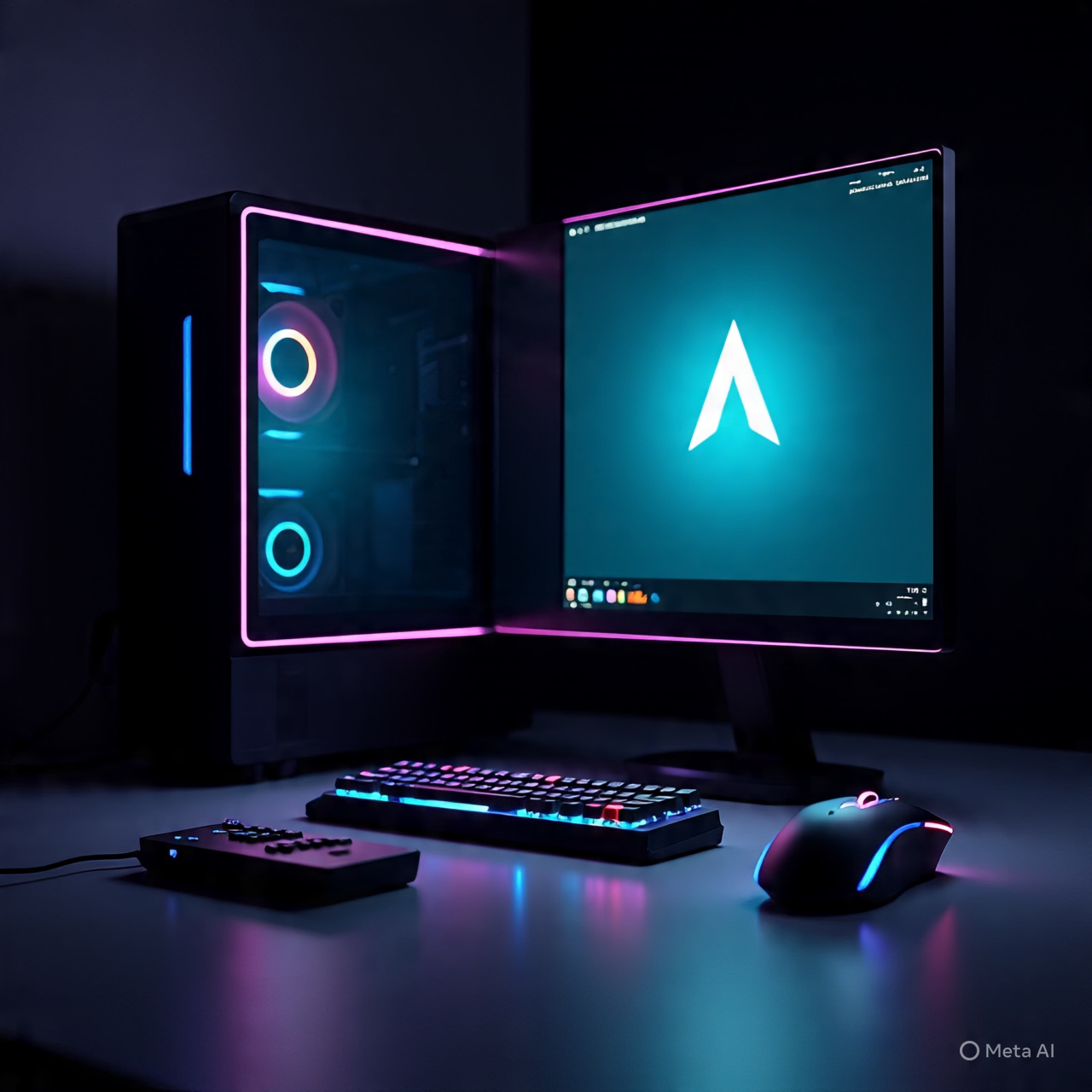
If you want the latest gaming updates, drivers, and software, then Manjaro is one of the best Linux distros for you. Based on Arch Linux, Manjaro delivers a rolling release system, which means you’re always at the cutting edge without the headaches of maintaining a pure Arch setup.
Access to Arch Repositories for Latest Updates
Arch Linux is known for its up-to-date packages, but installing Arch from scratch can be intimidating for beginners. Manjaro solves this problem by offering the same rolling updates in a user-friendly environment. This is a huge win for gamers because you’ll always get the newest GPU drivers, kernels, and gaming libraries as soon as they’re released.
Gaming Performance on Manjaro
Manjaro’s performance is excellent because it keeps your system running on the latest software. You can install gaming platforms like Steam, Lutris, and Heroic Games Launcher with ease. Another advantage is the AUR (Arch User Repository), which gives you access to thousands of community-maintained packages, including niche gaming tools and emulators you might not find elsewhere.
Pros and Cons of Manjaro for Gamers
Pros:
-
Rolling release model ensures you always have the latest drivers
-
Access to AUR for niche gaming software
-
Great performance out of the box
Cons:
-
Updates can sometimes break things if not managed carefully
-
Might feel overwhelming for absolute beginners
If you want to stay ahead of the curve with the latest gaming tech, Manjaro is a fantastic choice that bridges the gap between power and accessibility.
Garuda Linux for Gaming
For those who want a distro built specifically for gaming, Garuda Linux is the clear winner. It’s Arch-based, but unlike Manjaro, Garuda goes all-in on performance optimization and gaming tools.
Pre-Installed Gaming Tools (Steam, Lutris, etc.)
One of the biggest selling points of Garuda Linux is that it comes with gaming tools already installed. Steam, Lutris, Wine, and Proton are ready to go immediately, saving you setup time.
Gaming-Focused Performance Optimizations
Garuda uses the Zen kernel, which is optimized for speed and responsiveness. It also includes GameMode by Feral Interactive to allocate system resources more efficiently during gameplay. The distro is designed with a flashy interface and aggressive optimizations that give gamers extra performance out of the box.
Pros and Cons of Garuda Linux
Pros:
-
Pre-installed gaming tools
-
Performance tweaks with the Zen kernel
-
Beautiful and customizable interface
Cons:
-
Heavier system requirements compared to minimal distros
-
Can feel overwhelming with too many customization options
If you want a plug-and-play gaming experience with maximum performance, Garuda Linux delivers exactly that.
Fedora Games Spin for Gaming
Fedora is a respected Linux distro, known for its stability and innovation. Its Games Spin edition is a community-driven project tailored for gamers, especially those who enjoy open-source and indie titles.
Large Collection of Pre-Installed Open-Source Games
Unlike other distros, Fedora Games Spin comes with hundreds of free and open-source games pre-installed. This makes it a great choice if you’re a casual gamer who doesn’t want to spend time downloading and configuring everything.
Ideal for Casual and Indie Gamers
While Fedora Games Spin isn’t as focused on AAA gaming, it’s an excellent choice for indie and retro gamers. With its out-of-the-box collection, you can jump straight into playing without needing internet access or setup.
Pros and Cons of Fedora Games Spin
Pros:
-
Huge library of pre-installed games
-
Backed by Fedora’s stability and updates
-
Great for indie and casual gamers
Cons:
-
Not optimized for AAA titles
-
Missing pre-configured tools like Lutris or Proton
If you’re someone who enjoys casual or indie gaming experiences, Fedora Games Spin is a unique distro worth checking out.
Specialized Linux Distros for Retro Gaming
Not all gamers want the latest AAA blockbusters. Some of us crave the nostalgia of retro gaming, and Linux has distros designed specifically for that.
Lakka – The Retro Gaming OS
Lakka transforms your PC into a retro gaming console. It’s based on RetroArch and supports emulators for almost every old-school console imaginable—NES, SNES, PlayStation, Sega, and more. The interface is console-like, making it easy to navigate with a controller.
Batocera Linux – For Console-Style Gaming
Batocera Linux is another fantastic retro gaming distro. It’s plug-and-play and can be run directly from a USB stick. It supports retro emulation and even integrates with modern controllers like Xbox and PlayStation gamepads.
Best Choice for Retro Enthusiasts
If your main focus is retro gaming, both Lakka and Batocera offer a streamlined, console-like experience that’s hard to beat. They’re lightweight, user-friendly, and designed specifically to recreate the magic of classic gaming.

Tools That Enhance Gaming on Linux
Gaming on Linux isn’t just about the distro—it’s also about the tools that make Windows games run smoothly. Luckily, the Linux community has built a powerful ecosystem of tools that make gaming better than ever.
Steam Proton and Wine
Steam Proton, developed by Valve, allows you to run Windows-only games on Linux. Combined with Wine, a compatibility layer that translates Windows APIs into Linux ones, Proton has revolutionized Linux gaming. Many AAA titles now run flawlessly thanks to Proton.
Lutris – Open-Source Gaming Platform
Lutris is like a one-stop launcher for all your games. It supports Steam, Epic Games Store, GOG, and emulators. With community scripts, you can easily install games that would otherwise require complex setup.
GameMode by Feral Interactive
GameMode is a simple yet powerful tool that tweaks your system performance while gaming. It ensures your CPU and GPU are working at maximum potential, giving you better FPS and smoother performance.
DXVK and Vulkan for Better Performance
DXVK translates DirectX calls into Vulkan, improving performance in many games. Vulkan itself is a modern graphics API that offers better performance than OpenGL, and Linux distros optimized for Vulkan often deliver superior gaming experiences.
Linux Gaming vs Windows Gaming
For years, Windows has been the undisputed king of gaming, but Linux has been catching up quickly. With tools like Proton, Wine, Lutris, and DXVK, the gap between Linux and Windows gaming is shrinking. Still, there are differences worth considering before making the switch.
Performance Benchmarks
In raw performance, Linux often holds its own against Windows. In some cases, especially when using Vulkan, Linux can even outperform Windows. For example, certain titles like Shadow of the Tomb Raider or DOOM Eternal show equal or better frame rates on Linux. However, performance can vary depending on drivers, the game engine, and how well the title supports Linux.
Game Compatibility
Here’s the biggest challenge: not all games work perfectly on Linux. While Proton has made huge strides (with 80%+ of Steam’s top 100 games now playable on Linux), some anti-cheat systems and DRM-heavy titles remain problematic. Windows still offers universal compatibility, while Linux requires some workarounds.
Cost and Customization Differences
One of the biggest advantages of Linux over Windows is cost and freedom. Linux is free, while Windows licenses can be pricey. Plus, Linux allows for endless customization—you can strip down your OS to use fewer resources and dedicate more power to gaming. This flexibility gives Linux a strong edge for tinkerers and performance enthusiasts.
How to Optimize Linux for Gaming
If you decide to game on Linux, you’ll want to squeeze every ounce of performance out of your system. Thankfully, there are several tried-and-true optimization methods.
Updating Drivers and Kernel
The most important step is to keep your GPU drivers and Linux kernel up to date. Distros like Manjaro and Pop!_OS make this process simple, ensuring you always get the latest bug fixes and performance improvements.
Using Lightweight Desktop Environments
Desktop environments (DEs) like GNOME or KDE Plasma can look great but consume extra resources. Switching to lightweight DEs like XFCE or LXQt frees up RAM and CPU power for your games, improving FPS.
System Tweaks for Better FPS
-
Enable GameMode to prioritize game processes.
-
Turn off unnecessary background services.
-
Use FSYNC and esync in Proton for smoother performance.
-
Optimize swap memory or disable it if you have enough RAM.
By combining these tweaks, Linux can rival—or even surpass—Windows in gaming performance.

Challenges of Gaming on Linux
While Linux gaming has made incredible progress, it’s not without challenges.
Game Compatibility Issues
Although most Steam games run on Linux thanks to Proton, some popular titles with strict anti-cheat software (like Fortnite and Valorant) don’t run natively. Developers are slowly improving Linux support, but this remains a roadblock for competitive gamers.
Limited AAA Title Support
While indie developers are often Linux-friendly, AAA studios still prioritize Windows. That means Linux gamers sometimes wait longer for official support—or rely on Proton and Wine to make games playable.
Hardware Manufacturer Support
Another challenge is that not all hardware manufacturers provide good Linux drivers. NVIDIA, for example, has historically been difficult on Linux, though recent improvements are promising. AMD, on the other hand, offers excellent open-source drivers that integrate seamlessly.
The Future of Linux Gaming
Despite its challenges, the future of Linux gaming looks brighter than ever.
Growth of Proton and Steam Deck Influence
Valve’s Steam Deck has been a game-changer. Running on Linux-based SteamOS, it proves that Linux can be a mainstream gaming platform. Proton’s success on the Deck also benefits desktop Linux gamers, accelerating compatibility improvements.
Increasing Support from Developers
More developers are acknowledging Linux as a growing market. Indie studios often release Linux versions at launch, and even some AAA studios are beginning to take notice. As Proton matures, developer support is likely to expand.
Predictions for the Next 5 Years
-
More AAA titles will work on Linux without tweaks.
-
Anti-cheat software will offer native Linux support.
-
Linux may surpass macOS as the second most popular gaming OS after Windows.
-
Gaming-focused distros like Pop!_OS and Garuda Linux will become more polished and mainstream.
The trajectory is clear: Linux gaming isn’t just surviving—it’s thriving.
Final Thoughts
Linux has gone from being a niche option to a serious contender in the gaming world. Whether you’re a casual player, a hardcore gamer, or a retro enthusiast, there’s a Linux distro tailored to your needs.
-
Pop!_OS: Best overall for gaming beginners and pros alike.
-
Ubuntu: Stable, beginner-friendly, and widely supported.
-
Manjaro: Cutting-edge with constant updates.
-
Garuda Linux: Built specifically for gaming performance.
-
Fedora Games Spin: Best for casual and open-source gamers.
-
Lakka & Batocera: Perfect for retro gaming lovers.
With tools like Proton, Lutris, and Vulkan, Linux is closing the gap with Windows. Sure, there are still challenges, but the progress made in recent years is undeniable. If you’ve ever thought about ditching Windows for Linux, now might be the best time.
FAQs
1. Is Linux good for AAA gaming titles?
Yes, many AAA titles now run smoothly on Linux using Proton. However, some games with strict anti-cheat systems still don’t work.
2. Can I replace Windows with Linux for gaming?
If you mainly play Steam games, yes. But for full compatibility, especially with competitive shooters, dual-booting may be better.
3. Which Linux distro is best for low-end PCs?
Lightweight distros like Manjaro XFCE or Ubuntu with XFCE are great for low-spec systems.
4. Do all games on Steam work on Linux?
Not all, but over 80% of the top Steam games are playable with Proton, and that number is increasing.
5. Is Linux gaming better than Windows now?
In some cases, yes—especially with Vulkan-optimized games. But Windows still wins in terms of universal compatibility.